


docs/reference/screenshots.md
Screenshot tour
A screen-by-screen tour of Birdbrain, generated from a seeded demo investigation ("Velvet Fox storefront takedown" — all content fictional). To regenerate the full series, rebuild and run:
| 1 | README_SHOTS=1 npx playwright test e2e/readme-screenshots.spec.ts |
Output lands in test-results/readme/ with light and dark variants of every shot;
the dark variants are copied into docs/assets/.
First run
Onboarding
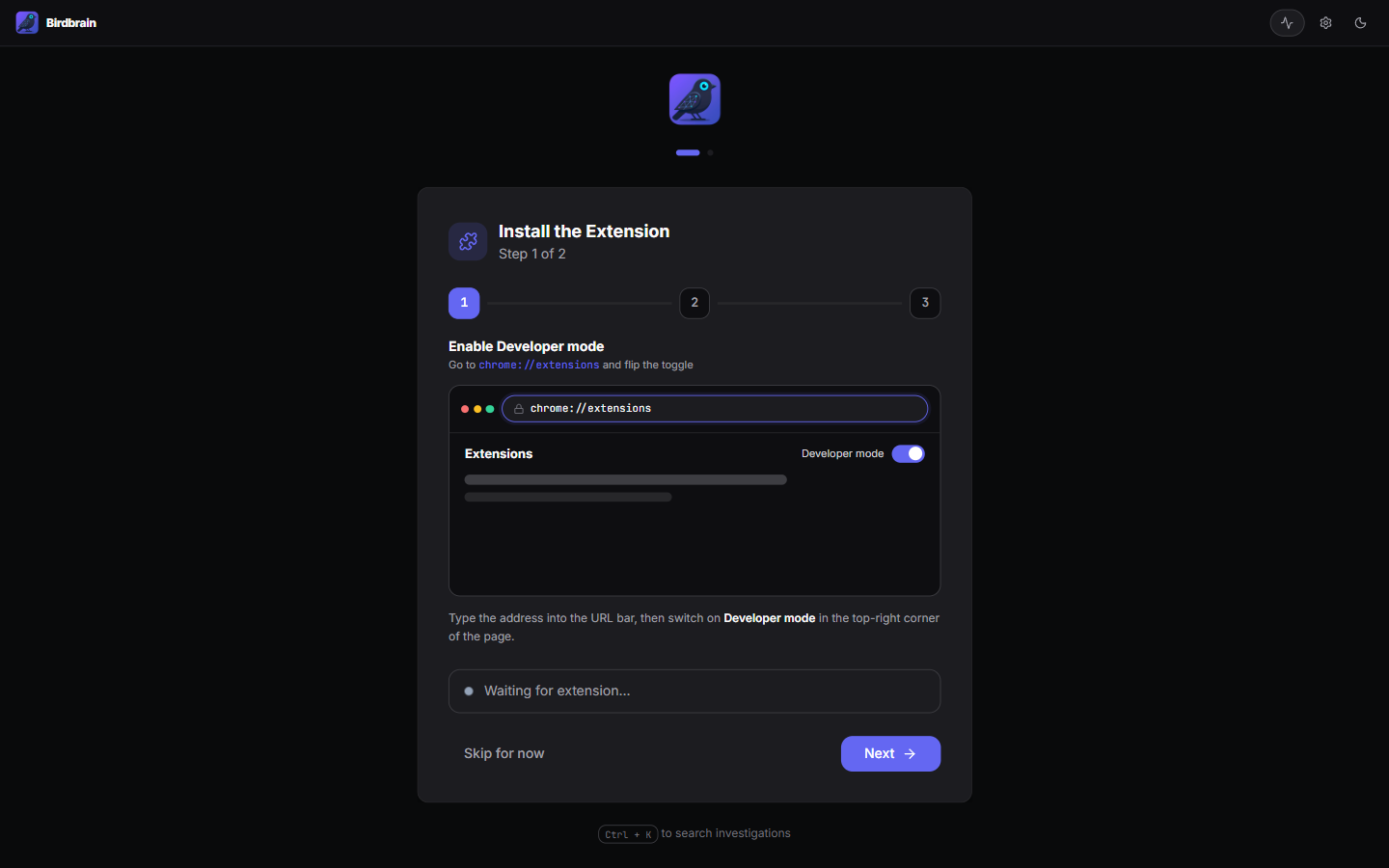
First-launch wizard: install the companion extension, then create your first investigation.
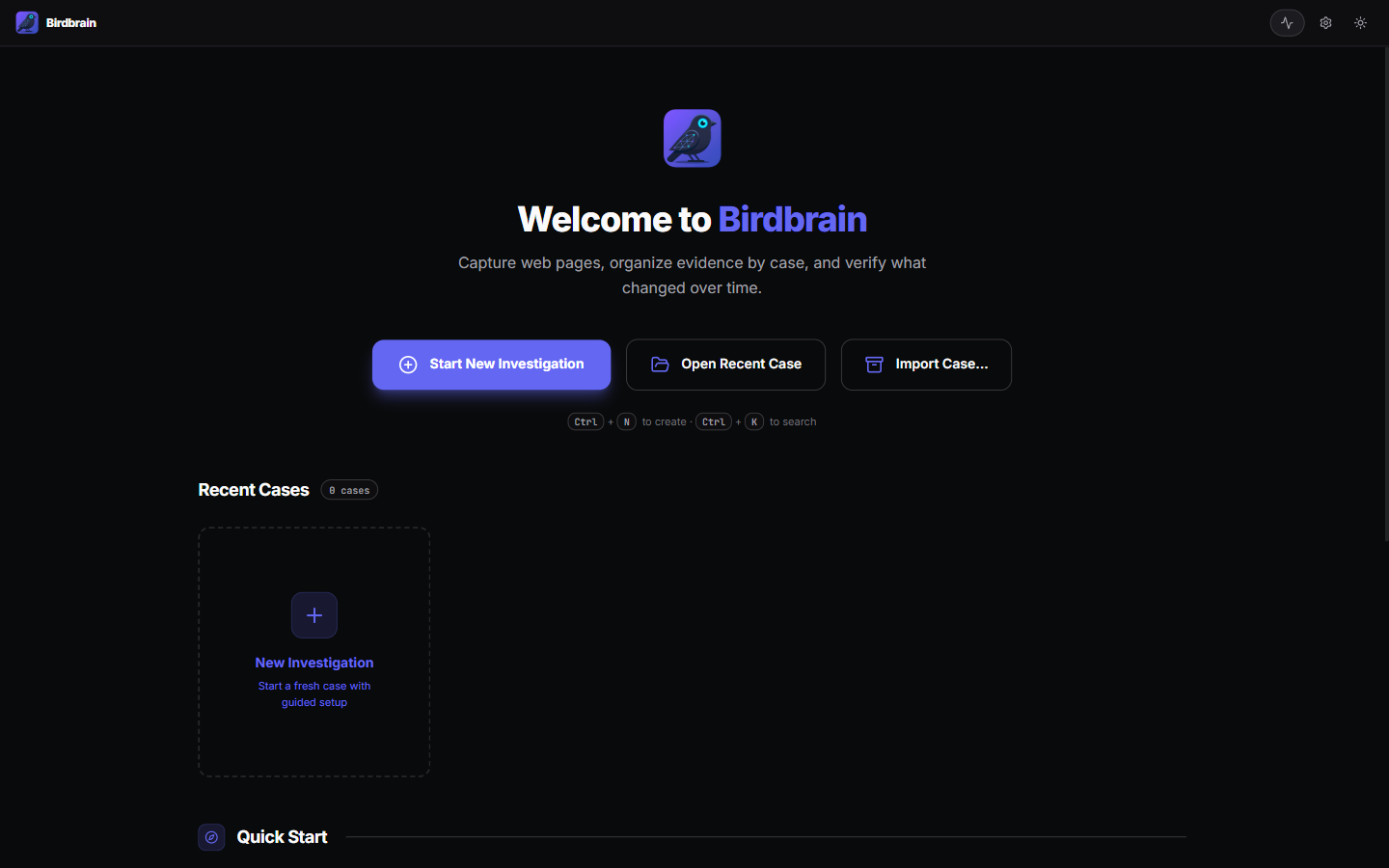
Dashboard (empty)
The launch screen before any case exists.
Extension setup guide
Step-by-step guide for loading the unpacked Chrome extension.

Working a case
Dashboard
Recent cases with capture counts.

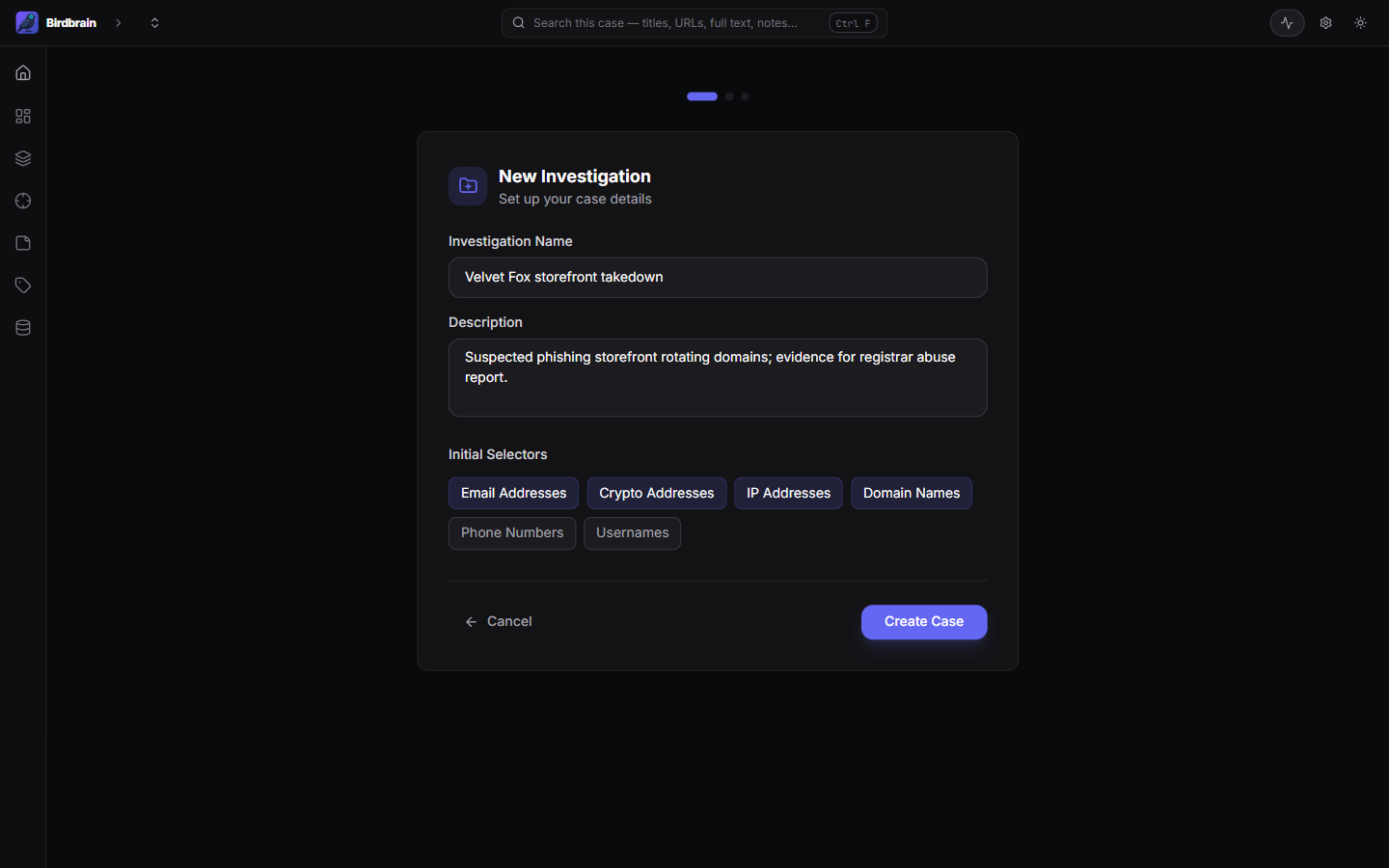
New case wizard
Case details plus initial selector presets (email, crypto, IP, domain patterns).
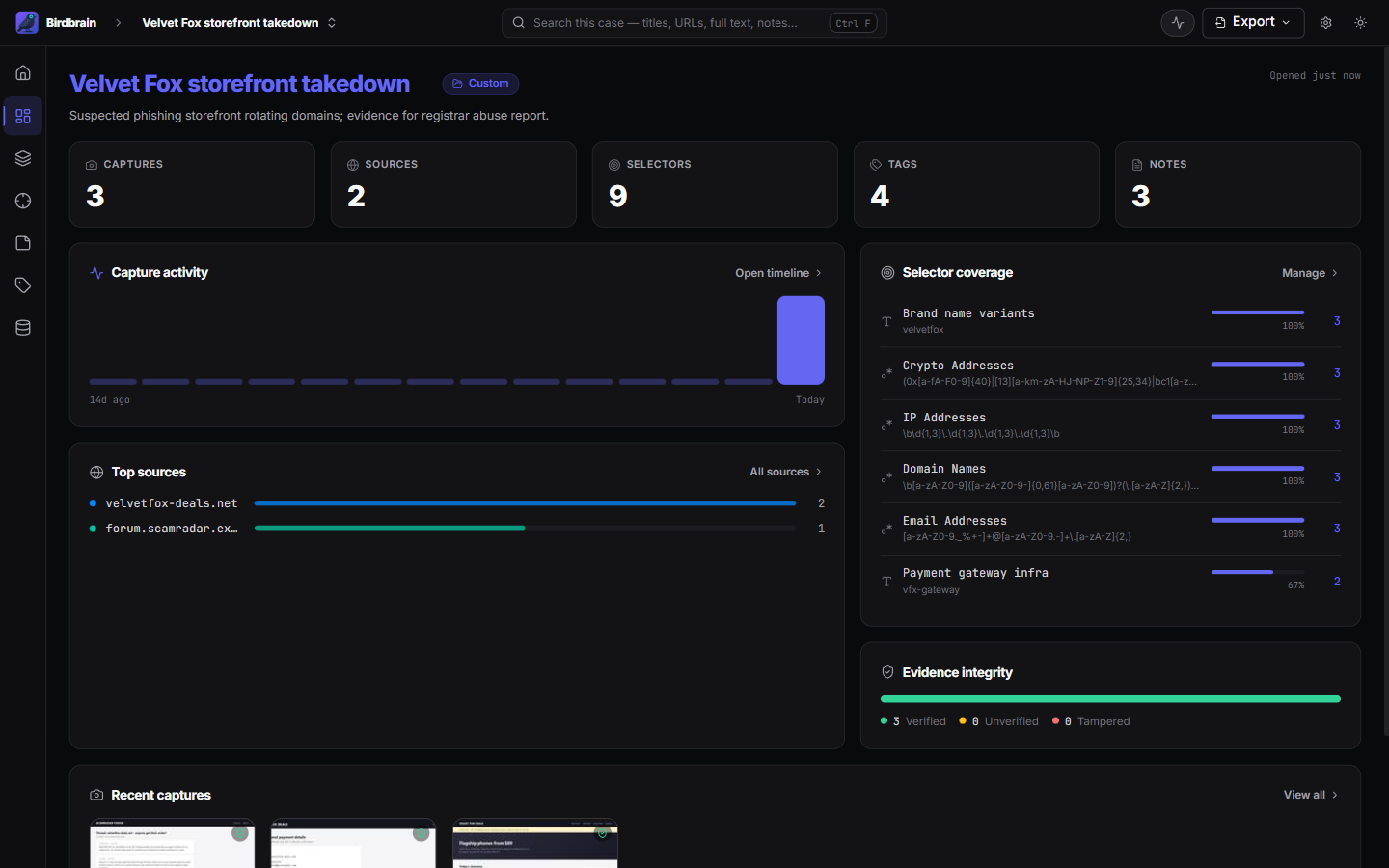
Case overview
Since-last-visit deltas, capture activity, top sources, and evidence integrity at a glance.
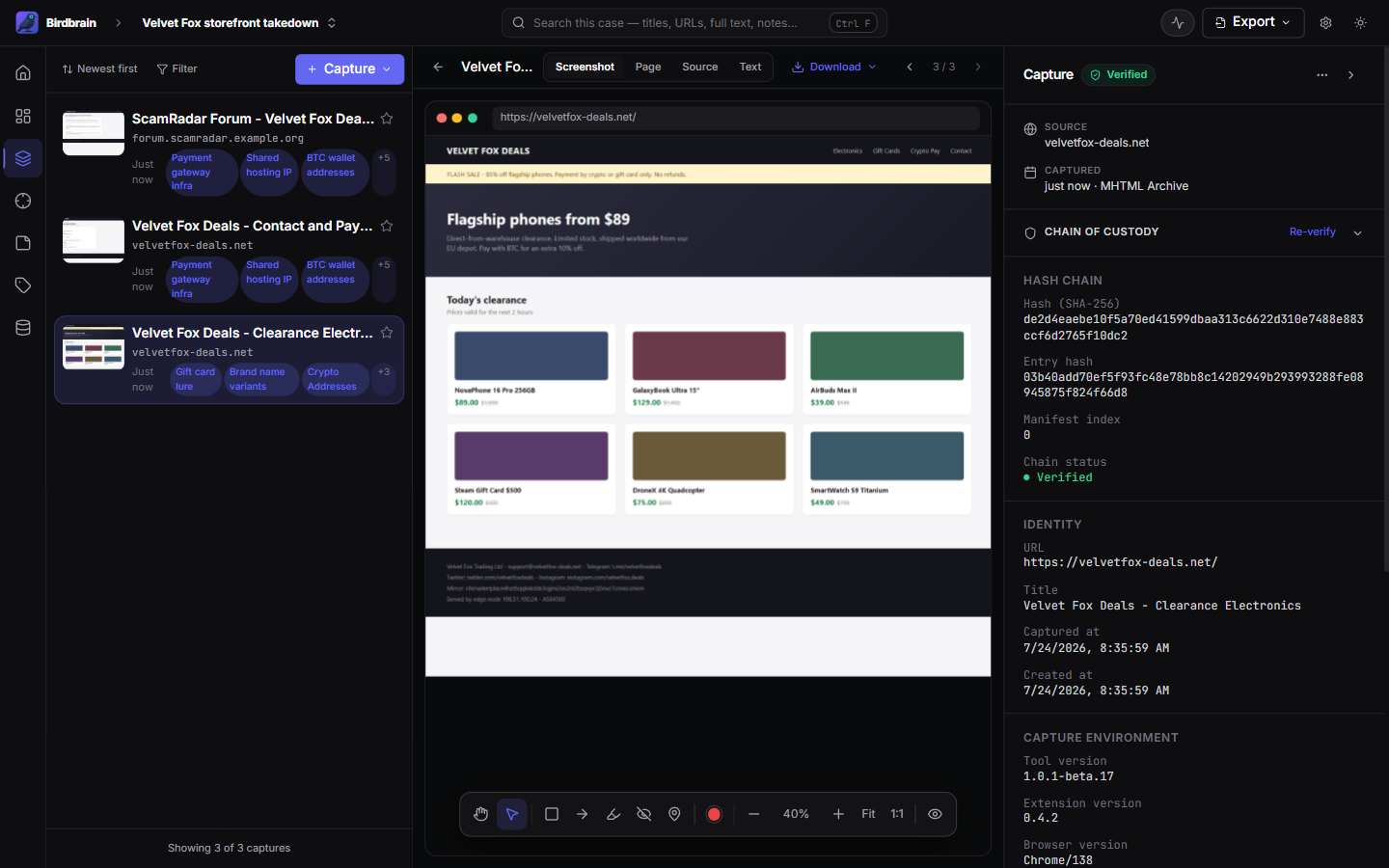
Captures workspace
Capture list, rendered evidence, and the chain-of-custody inspector side by side.
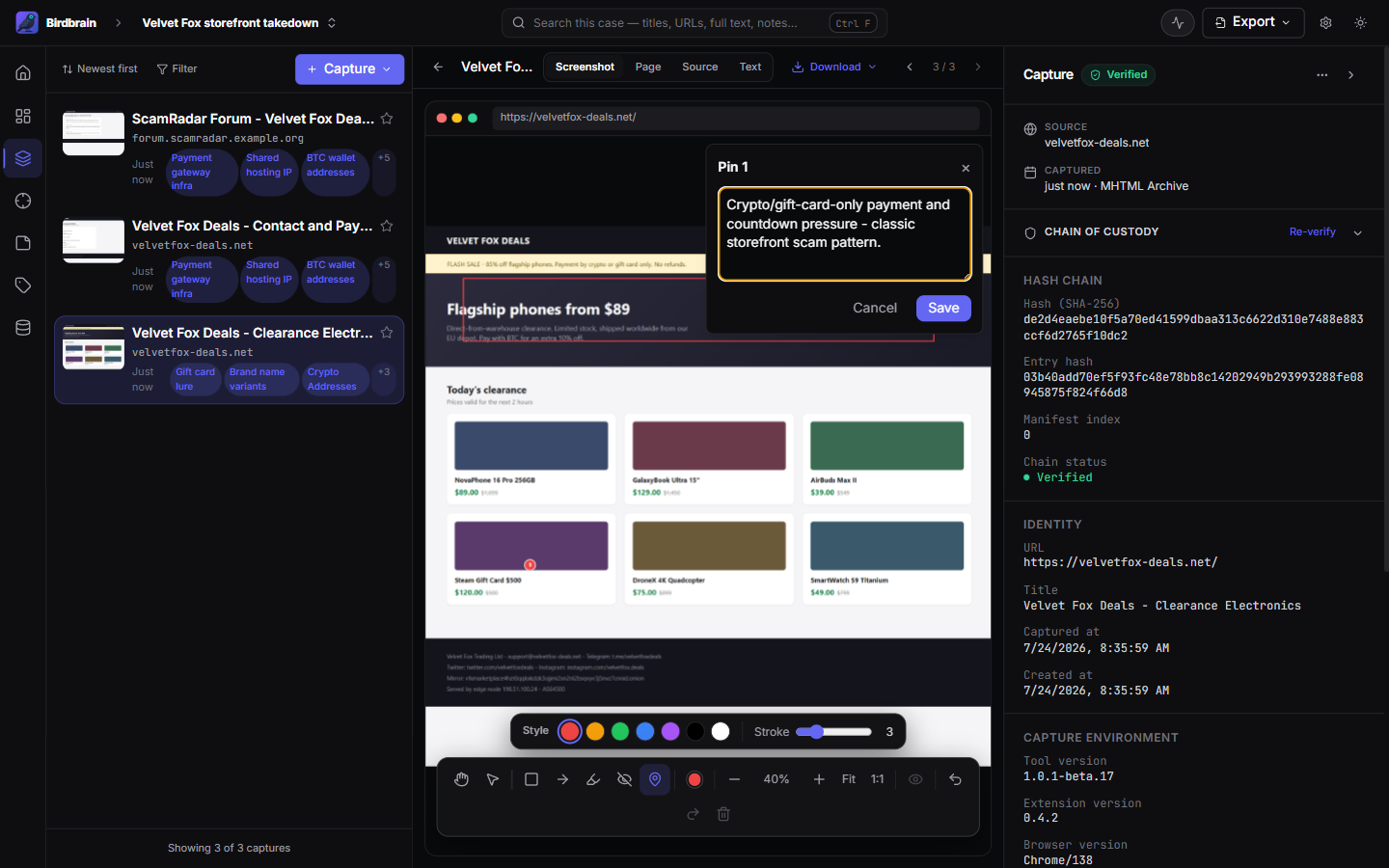
Annotation editor
Shapes and pinned comments on capture screenshots; burned into exports.
Chain-of-custody verification
Per-capture hash chain (SHA-256, previous/entry hash, manifest index) verified in-app.

Analysis
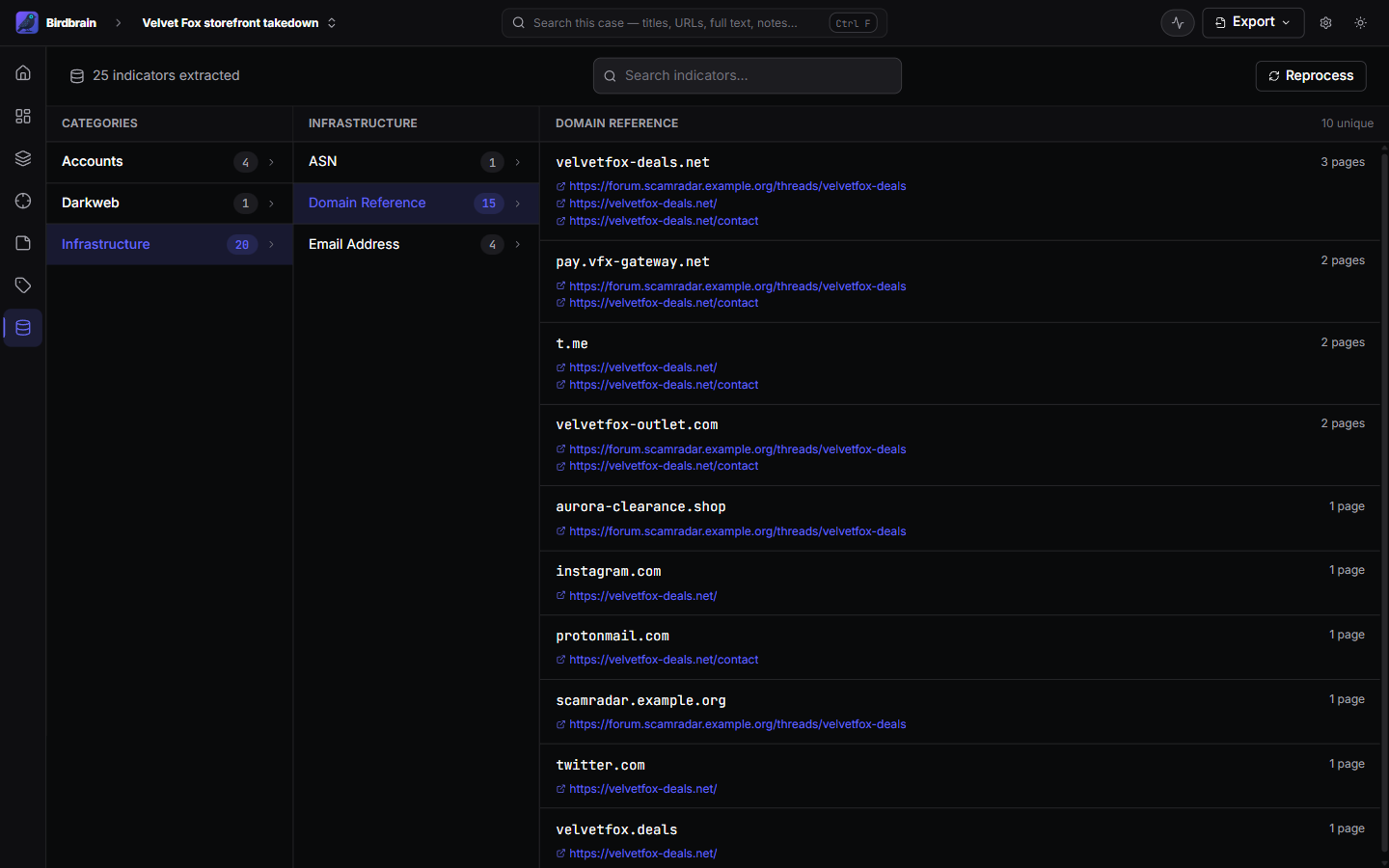
Data explorer (recon)
Indicators extracted automatically from captures — accounts, infrastructure, tracking codes — with pivot back to the pages they appeared on.
Selectors
String and regex patterns matched across all captures in the case.

Notes
Case and per-capture notes with source links.

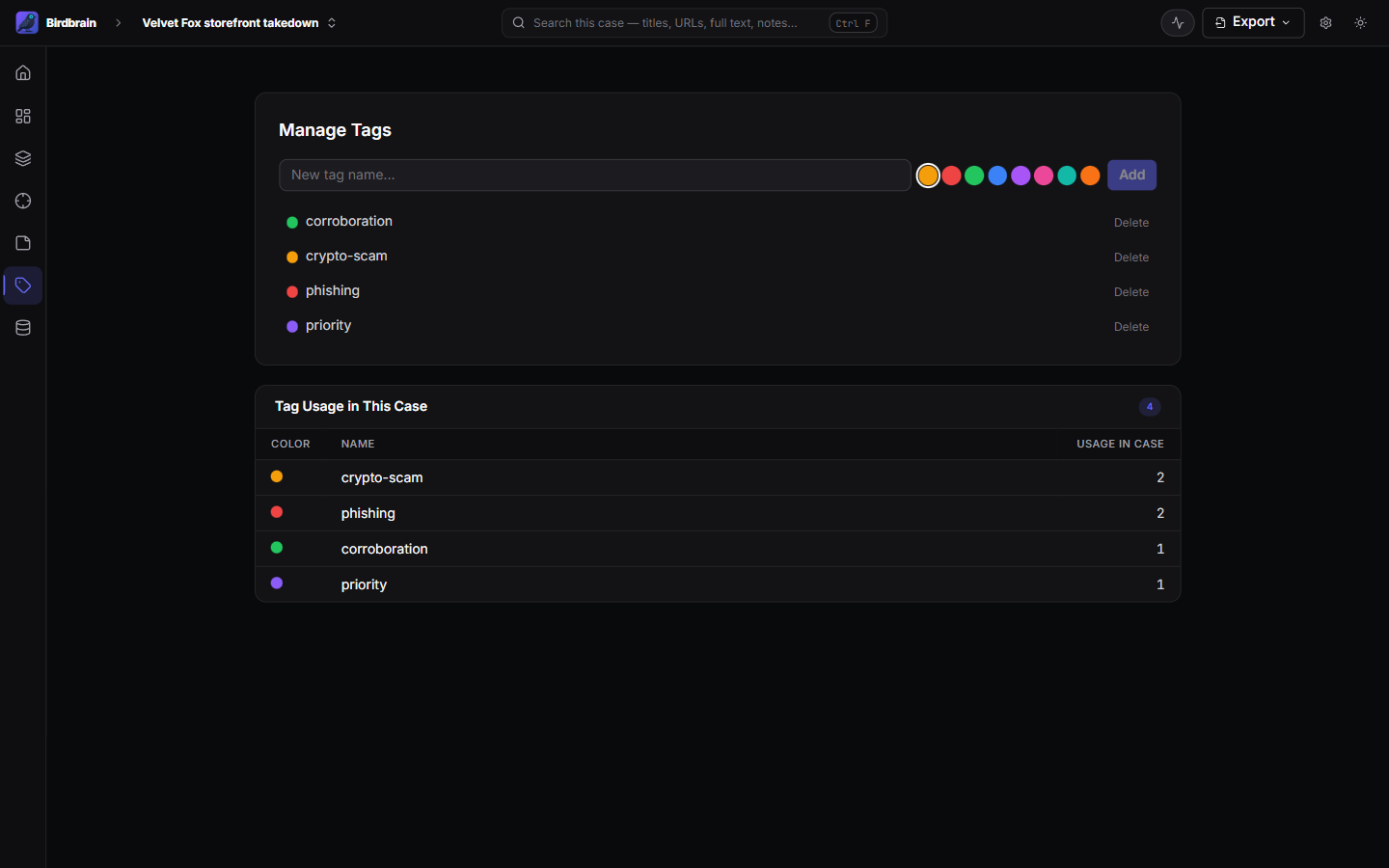
Tags
Color-coded tags with per-case usage counts.
Everything else
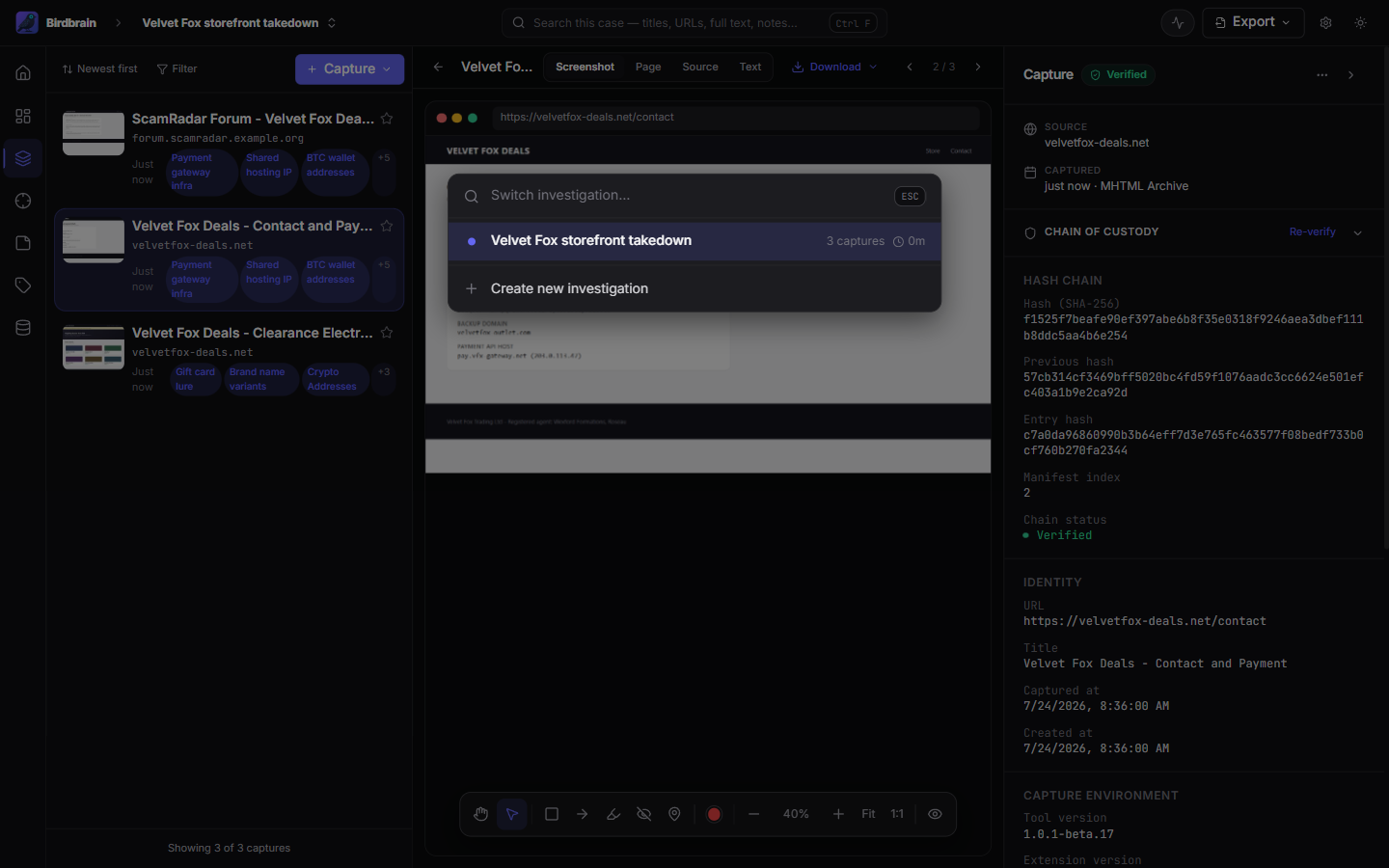
Command palette
Ctrl+K — switch investigations or create a new one from anywhere.
Export dialog
Choose what the evidence report includes.

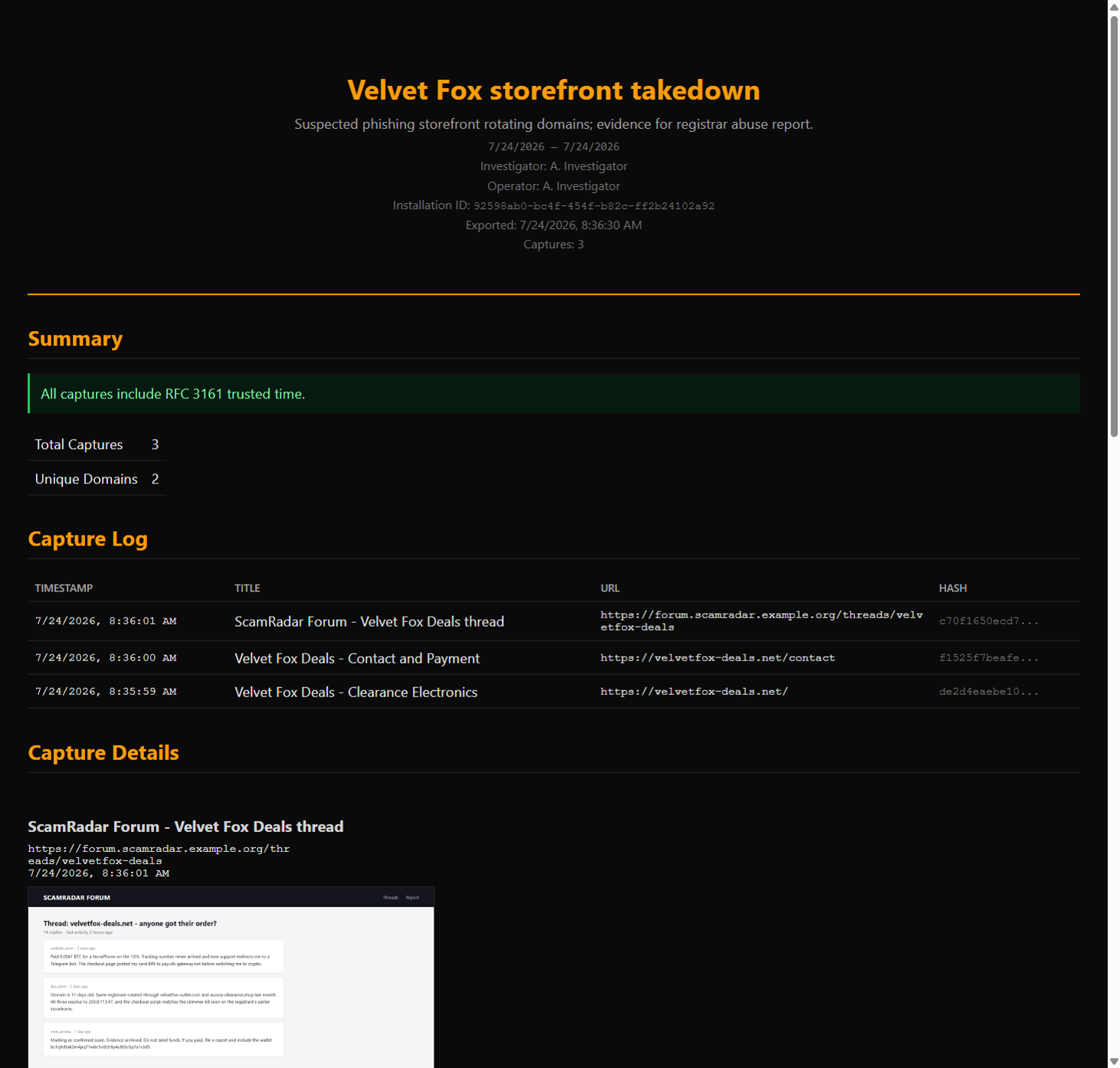
Exported report
Self-contained HTML report, verifiable without Birdbrain.
Settings
Capture preferences, storage, appearance, operator identity, database admin, and updates.
